Start Individual Linux Installation:
- Download File:
wget https://portal.ceburu.com:7878/media/installer/Linux/linux-agent-installer.bin
- Set Permission:
sudo chmod +x linux-agent-installer.bin
- Execute FIle:
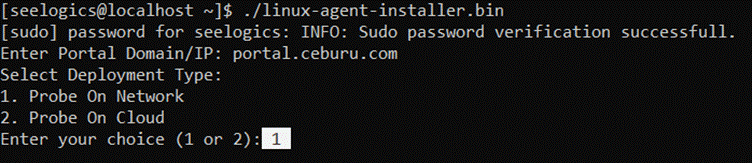
./linux-agent-installer.bin
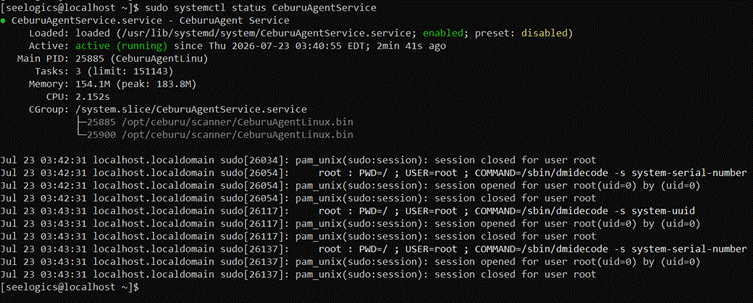
- Check Status:
sudo systemctl status CeburuAgentService
Download Installer File:
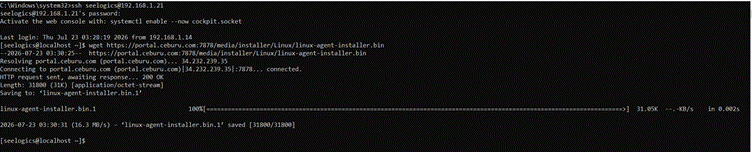
Set Permission:

Execute the file:
Enter you linux machine password

Enter portal Domain / IP:
If the company type is OnCloud Enter our portal URL(portal.ceburu.com). If the company type is OnPrem, Enter your Application Server IP.

Select the Probe Type(On Network / On Cloud):
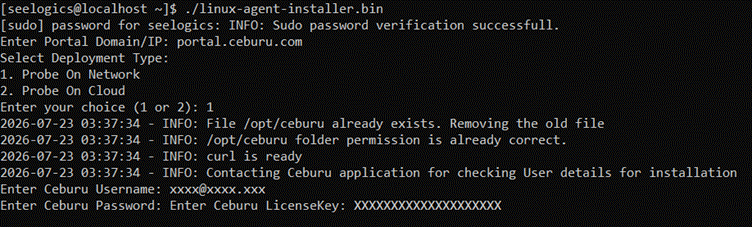
Enter the Ceburu credentials:
Enter your Ceburu username, password & license key.
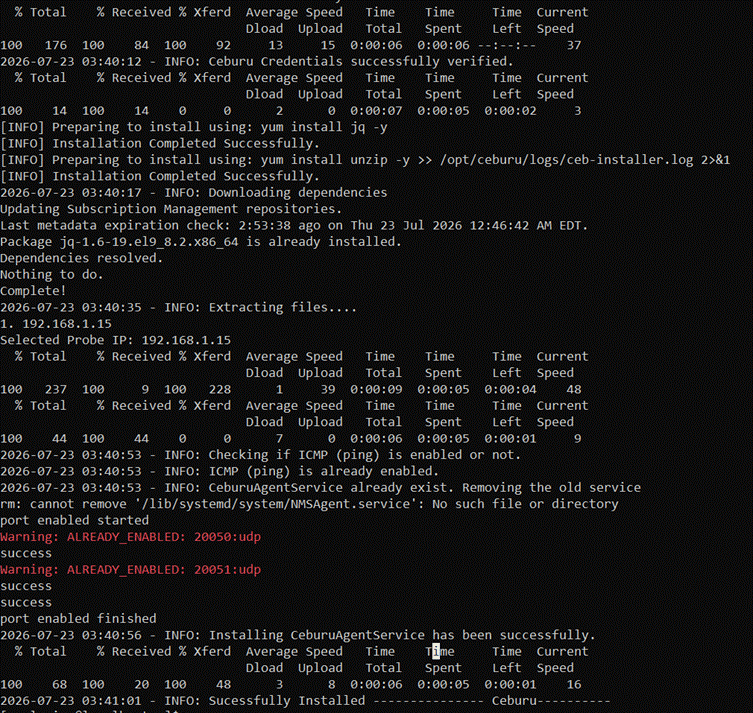
Installation Process:
Check Status:
Was this article helpful?
That’s Great!
Thank you for your feedback
Sorry! We couldn't be helpful
Thank you for your feedback
Feedback sent
We appreciate your effort and will try to fix the article