Start Individual Windows Installation:
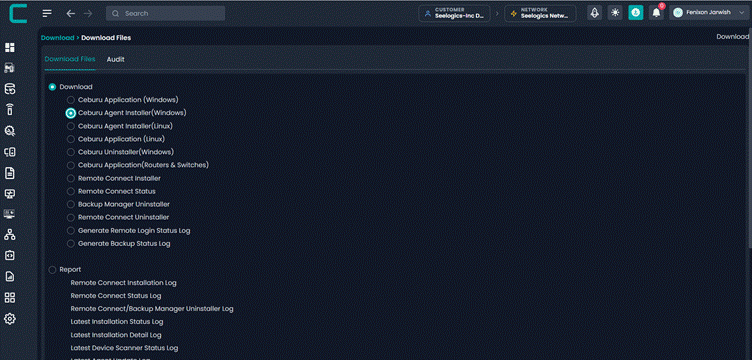
After Installing the Probe, For Windows Agent Installation You need to Download the Ceburu Agent Installer(Windows).
Download Installer File:
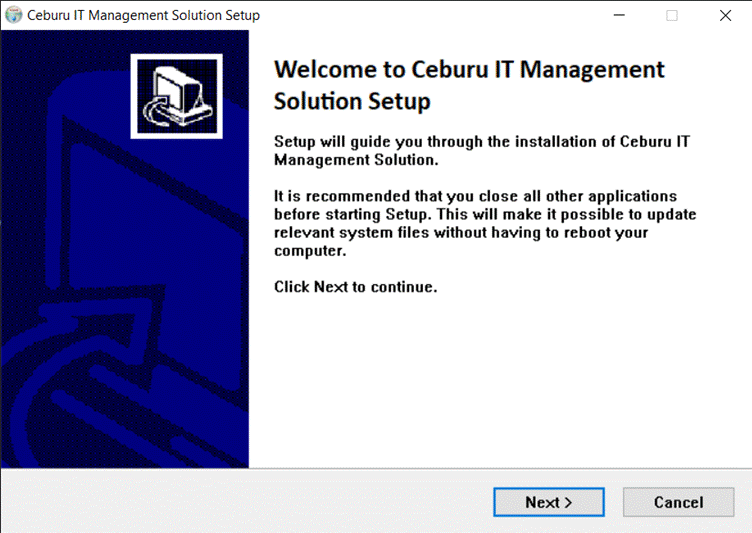
Welcome Page
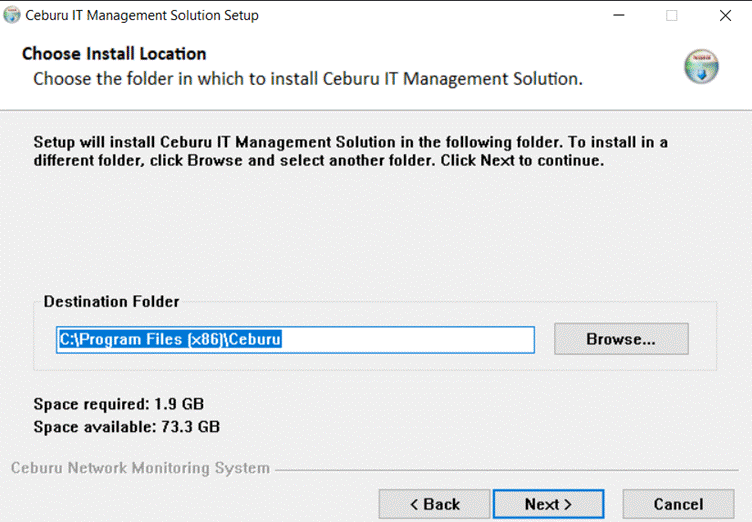
Select directory where you want to install
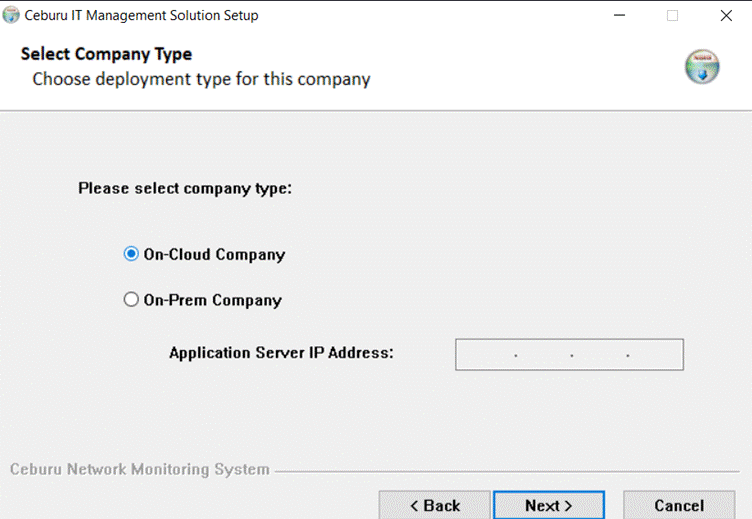
Select the Company Type
Select the Company Type, If the Company Type is On-Prem, Enter the Application Server IP.
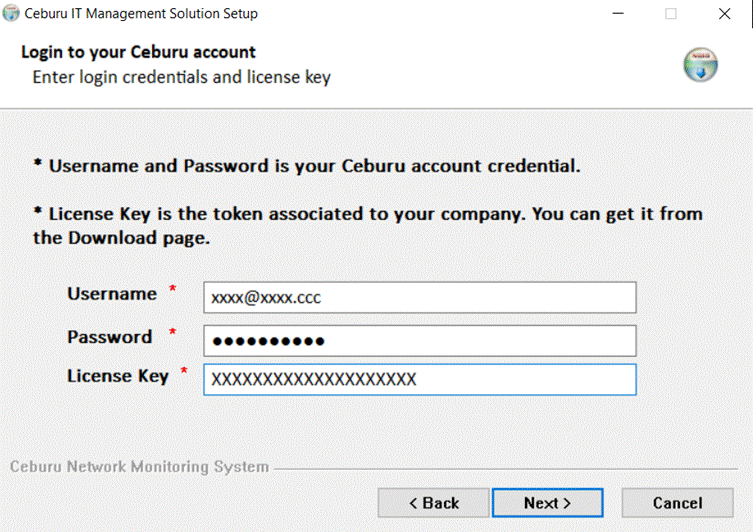
Enter Credentials
Please enter your Ceburu username, password, and license key.
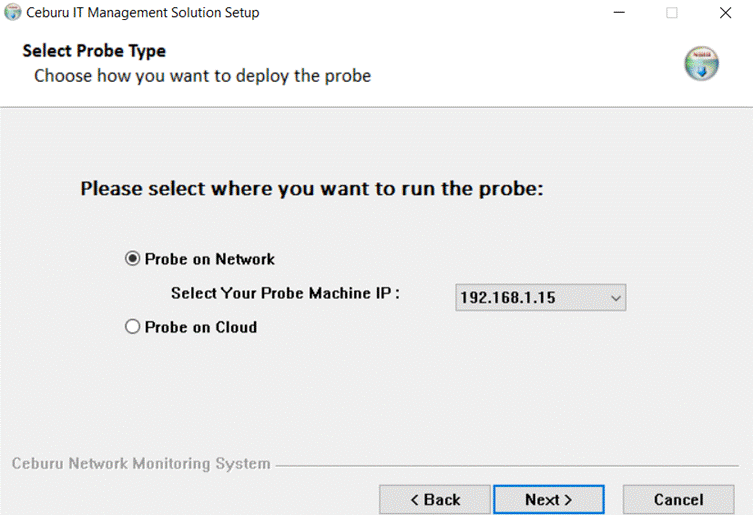
Select The Probe Type:
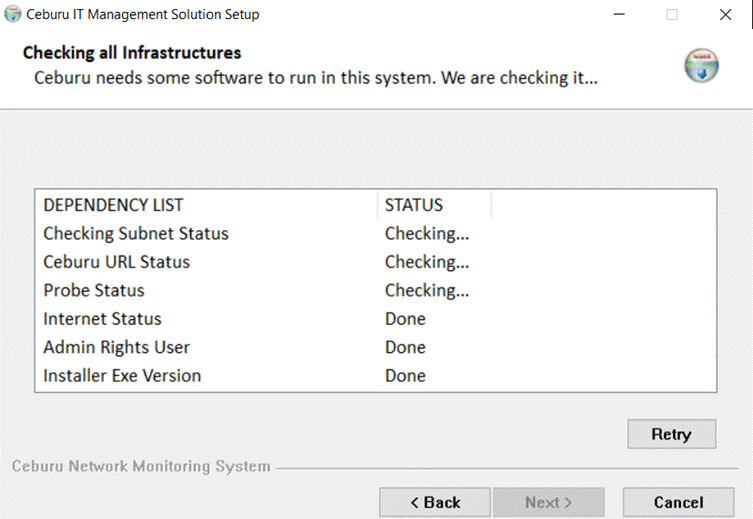
Checking Dependencies
Verifying all the dependencies required for installing Ceburu.
Downloading Dependencies:
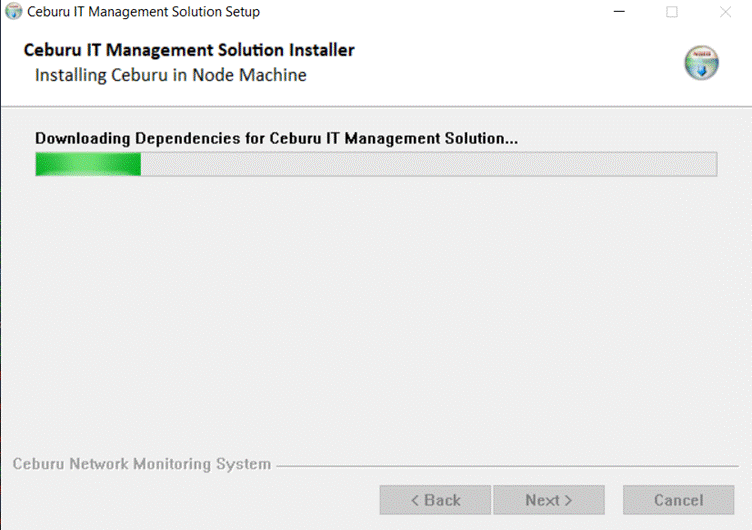
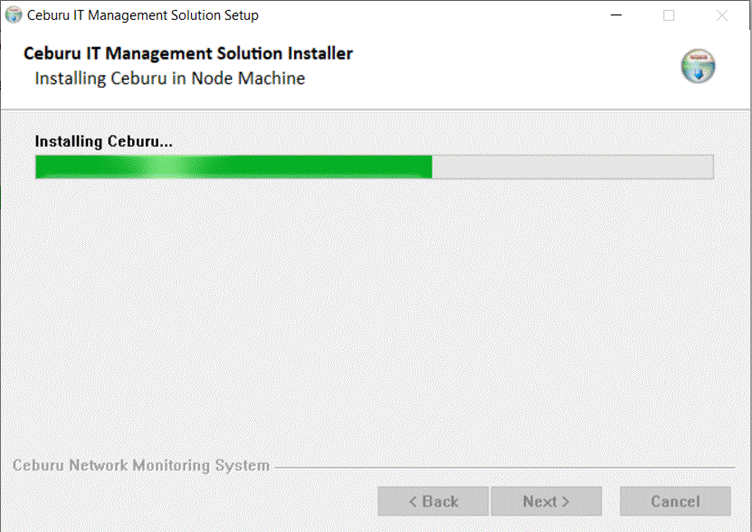
Installing Ceburu:
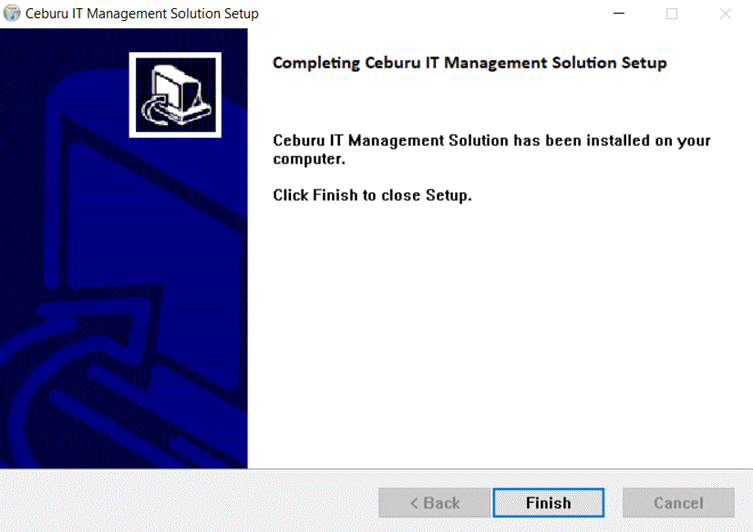
Finish Page:
Was this article helpful?
That’s Great!
Thank you for your feedback
Sorry! We couldn't be helpful
Thank you for your feedback
Feedback sent
We appreciate your effort and will try to fix the article